Canva AI
AI design assistant built into Canva
- Category
- Image
- Tested version
- Latest stable (2026)
- Free tier
- Yes
- API
- Not available
- Platforms
- Web, iOS, Android, Desktop
- Pricing
- Free tier with Magic Studio basics · Pro $13/mo, Teams $30/mo (5 seats) unlock Magic Studio, Brand Kit, background remover, and full template library.
- Official site
- www.canva.com
- Updated
- 2026-07-21
- Editorial status
- Editorially reviewed
TL;DR — Key Takeaways
- Canva AI is a image AI tool: AI design assistant built into Canva.
- Pricing: Free tier with Magic Studio basics · Pro $13/mo, Teams $30/mo (5 seats) unlock Magic Studio, Brand Kit, background remover, and full template library.
- Best for: Social.
- Editorially reviewed by AI Tool Hub (tested version: Latest stable (2026)).
What is Canva AI?
Canva AI lets non-designers generate designs, edit photos, and write copy from text descriptions, all-in-one.
Our take
Canva AI. Canva AI lets non-designers generate designs, edit photos, and write copy from text descriptions, all-in-one.
Screenshots
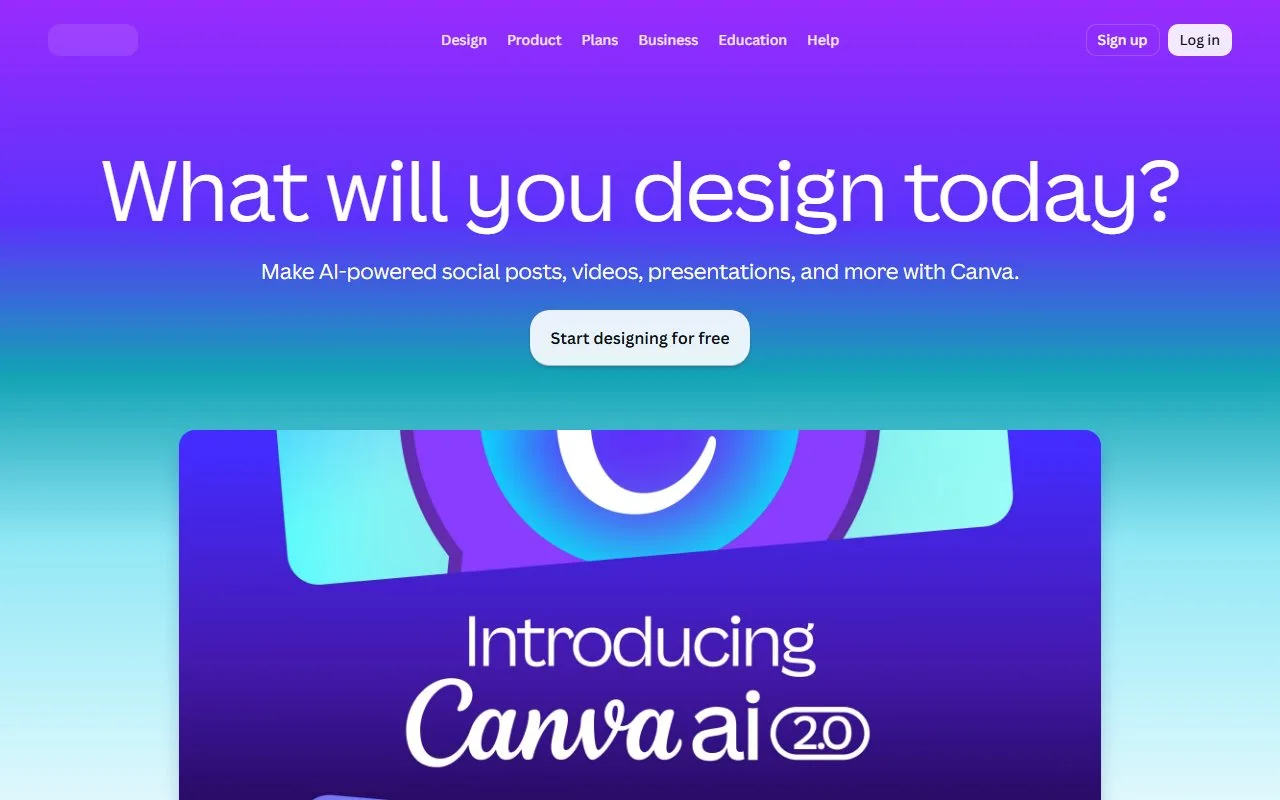
Real test data
Canva AI is editorially reviewed (tested version: Latest stable (2026)). Our standardized real-test data will be published here once the shared benchmark suite completes.
We do not display fabricated or vendor-supplied benchmark numbers.
Key features
| Feature | What it does |
|---|---|
| AI design | Social |
| Templates | Posters |
| Photo edit | Presentations |
| Copy | Photo edit |
Use cases that actually work
- Social
- Posters
- Presentations
- Photo edit
Best for
- Social graphics
- Presentations
- Posters
- Photo edit
Target audience
Pricing
Free tier with Magic Studio basics · Pro $13/mo, Teams $30/mo (5 seats) unlock Magic Studio, Brand Kit, background remover, and full template library.
Pros & Cons
Pros
- Zero learning curve
- Rich templates
- All-in-one
Cons
- Templated AI output
- Advanced paid
Example
Our verdict
Pick Canva AI if: Canva AI is a fit if you need a reliable image AI tool with zero learning curve.
Skip Canva AI if: Canva AI is not the right fit if you need capabilities outside image — look at the alternatives below.
Head-to-head comparisons
Alternatives to Canva AI
Midjourney
Top-tier AI artistic image generator
ImageStable Diffusion
Open-source, free, local AI image generator
ImageLeonardo.AI
AI image generation platform for games and design
ImageIdeogram
AI image generator best at rendering text in images
ImageKrea
Real-time AI image generation and enhancement platform
ImageFlux
Photorealistic image model by Black Forest Labs
ImageFrequently asked questions
What is Canva AI?
Canva AI is the AI feature set inside Canva (Magic Write, Magic Design, Magic Edit, Magic Animate) that helps non-designers create on-brand visuals.
Is Canva free?
Yes. The free plan is generous; Pro ($13/mo) unlocks Magic Studio and the full template library.
Do I need design skills to use Canva AI?
No. Canva is built for non-designers; Magic Design can produce a complete layout from a text prompt or a single image.
How good is Canva AI at generating images?
Canva's image generation is convenient and on-brand but not state-of-the-art; for hero art, designers still prefer Midjourney or Flux Pro.
Does Canva AI support brand consistency?
Yes. Brand Kit (Pro and above) lets Magic Studio pull colors, fonts, and logos so every generated asset stays on-brand.
Can I use Canva AI to make presentations?
Yes. Magic Design for Presentations generates full decks from a topic or document; teams can also use AI to summarise existing slides.
Does Canva have an API?
Canva exposes a Connect API for assets, exports, and design automation; full AI features are not yet available via API.
Can Canva AI remove backgrounds?
Yes. The background remover is one of the most popular tools, included on Pro plans and above.
Is Canva suitable for print?
Yes. Pro unlocks CMYK export and high-resolution PNG/PDF suitable for print, including business cards, posters, and merch.
Who should use Canva AI?
Small business owners, marketers, teachers, and anyone who needs polished visuals without learning Photoshop.
Curated by the AI Tool Hub editorial team — last updated 2026-07-21. We publish real-test benchmark numbers only after running our standardized suite.