Pika
Easy AI short-video generator
- Category
- Video
- Tested version
- Latest stable (2026)
- Free tier
- Yes
- API
- Not available
- Platforms
- Web
- Pricing
- Free tier with watermark · Standard $10/mo, Pro $35/mo, Premier $95/mo unlock more credits, higher resolution, and no watermark.
- Official site
- pika.art
- Updated
- 2026-07-21
- Editorial status
- Editorially reviewed
TL;DR — Key Takeaways
- Pika is a video AI tool: Easy AI short-video generator.
- Pricing: Free tier with watermark · Standard $10/mo, Pro $35/mo, Premier $95/mo unlock more credits, higher resolution, and no watermark.
- Best for: Social shorts.
- Editorially reviewed by AI Tool Hub (tested version: Latest stable (2026)).
What is Pika?
Pika turns text/images into short video, focused on simplicity and social clips with a generous free tier.
Our take
Pika. Pika turns text/images into short video, focused on simplicity and social clips with a generous free tier.
Screenshots
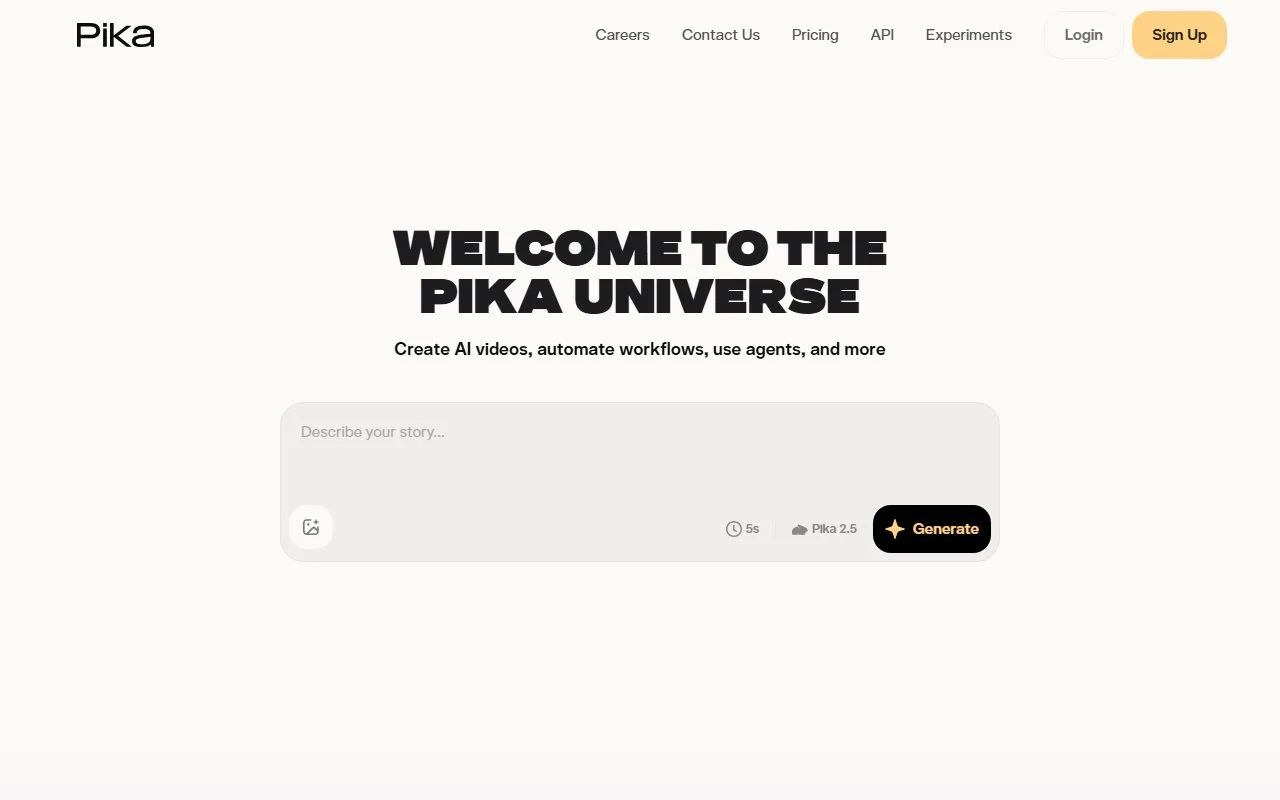

Real test data
Pika is editorially reviewed (tested version: Latest stable (2026)). Our standardized real-test data will be published here once the shared benchmark suite completes.
We do not display fabricated or vendor-supplied benchmark numbers.
Key features
| Feature | What it does |
|---|---|
| Text-to-video | Social shorts |
| Image-to-video | Motion posters |
| Effects | Creative ads |
| Social export | Img-to-video |
Use cases that actually work
- Social shorts
- Motion posters
- Creative ads
- Img-to-video
Best for
- Social shorts
- Motion posters
- Image-to-video
- Creative clips
Target audience
Pricing
Free tier with watermark · Standard $10/mo, Pro $35/mo, Premier $95/mo unlock more credits, higher resolution, and no watermark.
Pros & Cons
Pros
- Easiest start
- Generous free
- Social formats
Cons
- Short clips
- Mid quality
- Limited control
Example
Our verdict
Pick Pika if: Pika is a fit if you need a reliable video AI tool with easiest start.
Skip Pika if: Pika is not the right fit if you need capabilities outside video — look at the alternatives below.
Head-to-head comparisons
Alternatives to Pika
Frequently asked questions
What is Pika?
Pika is an AI video generation platform that turns text, image, and video prompts into short cinematic clips, with strong motion and camera controls.
Is Pika free?
Yes. The free plan produces watermarked clips; paid plans start at $10/month for higher resolution and no watermark.
How long can Pika videos be?
Pika generates clips up to 10 seconds per generation on paid plans, which can be chained using Pikaffects or extended in the timeline.
How does Pika compare to Sora?
Pika emphasizes controllability — Pikaffects, motion strength, camera direction — while Sora leans on raw realism. Pika is faster and cheaper for iterative work.
Does Pika support image-to-video?
Yes. Image-to-video is one of Pika's strongest features: upload a still and Pika animates it with motion and camera prompts.
Can I edit an existing video with Pika?
Yes. Pika lets you upload a video and apply Pikaffects to restyle, re-light, or extend it.
Does Pika have an API?
Pika offers a developer API for paid accounts, suitable for batch rendering and app integration.
What is Pikaffects?
Pikaffects are one-click video transformations like 'melt', 'inflate', 'crush', 'cake-ify' applied to uploaded clips or images.
Can Pika generate sound?
Pika focuses on visuals; audio is not generated. Pair with ElevenLabs for voice and Suno for music.
Who should use Pika?
Creators and marketers producing short social clips, music videos, and stylized content where motion and effects matter more than photorealism.
Curated by the AI Tool Hub editorial team — last updated 2026-07-21. We publish real-test benchmark numbers only after running our standardized suite.