Aider
CLI AI coding assistant, Git-native
- Category
- Coding
- Tested version
- Latest stable (2026)
- Free tier
- Yes
- API
- Not available
- Platforms
- CLI, Self-hosted
- Pricing
- Open source under Apache 2.0. Pay only the underlying LLM API (DeepSeek, OpenAI, Anthropic, etc.); free if you use a local model.
- Official site
- aider.chat
- Updated
- 2026-07-21
- Editorial status
- Editorially reviewed
TL;DR — Key Takeaways
- Aider is a coding AI tool: CLI AI coding assistant, Git-native.
- Pricing: Open source under Apache 2.0. Pay only the underlying LLM API (DeepSeek, OpenAI, Anthropic, etc.); free if you use a local model.
- Best for: Quick edits.
- Editorially reviewed by AI Tool Hub (tested version: Latest stable (2026)).
What is Aider?
Aider edits code with AI in the terminal, auto-commits to Git, supports multiple models.
Our take
Aider. Aider edits code with AI in the terminal, auto-commits to Git, supports multiple models.
Screenshots
Real test data
Aider is editorially reviewed (tested version: Latest stable (2026)). Our standardized real-test data will be published here once the shared benchmark suite completes.
We do not display fabricated or vendor-supplied benchmark numbers.
Key features
| Feature | What it does |
|---|---|
| Auto Git commit | Quick edits |
| Multi-model | Git workflow |
| CLI-native | Batch refactor |
| Open source |
Use cases that actually work
- Quick edits
- Git workflow
- Batch refactor
Best for
- Terminal coding
- Auto Git commits
- Multi-model
Target audience
Pricing
Open source under Apache 2.0. Pay only the underlying LLM API (DeepSeek, OpenAI, Anthropic, etc.); free if you use a local model.
Pros & Cons
Pros
- Open source free
- Git-native
- BYO any model
Cons
- CLI only no GUI
- Manual model config
Example
Our verdict
Pick Aider if: Aider is a fit if you need a reliable coding AI tool with open source free.
Skip Aider if: Aider is not the right fit if you need capabilities outside coding — look at the alternatives below.
Head-to-head comparisons
Alternatives to Aider
GitHub Copilot
AI pair programmer embedded in your IDE
CodingCursor
AI-native code editor built on VS Code
CodingCline
Autonomous coding agent for VS Code
CodingWindsurf
AI IDE by Codeium, main Cursor competitor
CodingCodeium
Free AI code completion, Copilot alternative
CodingReplit
Cloud AI dev environment, code and deploy in browser
CodingFrequently asked questions
What is Aider?
Aider is an open-source AI pair-programming tool that runs in your terminal. It edits files in your repo and auto-commits each change to Git.
Is Aider free?
Yes. Aider itself is free and open source (Apache 2.0). You only pay for the LLM API you point it at, or run it free with a local model.
Which models does Aider support?
Aider works with most frontier LLMs through API keys or local servers: DeepSeek, Claude, GPT, Gemini, Llama, Qwen, and Ollama-served models.
How is Aider different from Cursor or Windsurf?
Aider is purely a command-line tool with no GUI; it integrates with any editor via your terminal. Cursor and Windsurf are full IDEs with graphical UIs.
Does Aider create Git commits?
Yes. Every accepted change is committed with a descriptive message you can review with /undo.
What languages does Aider work with?
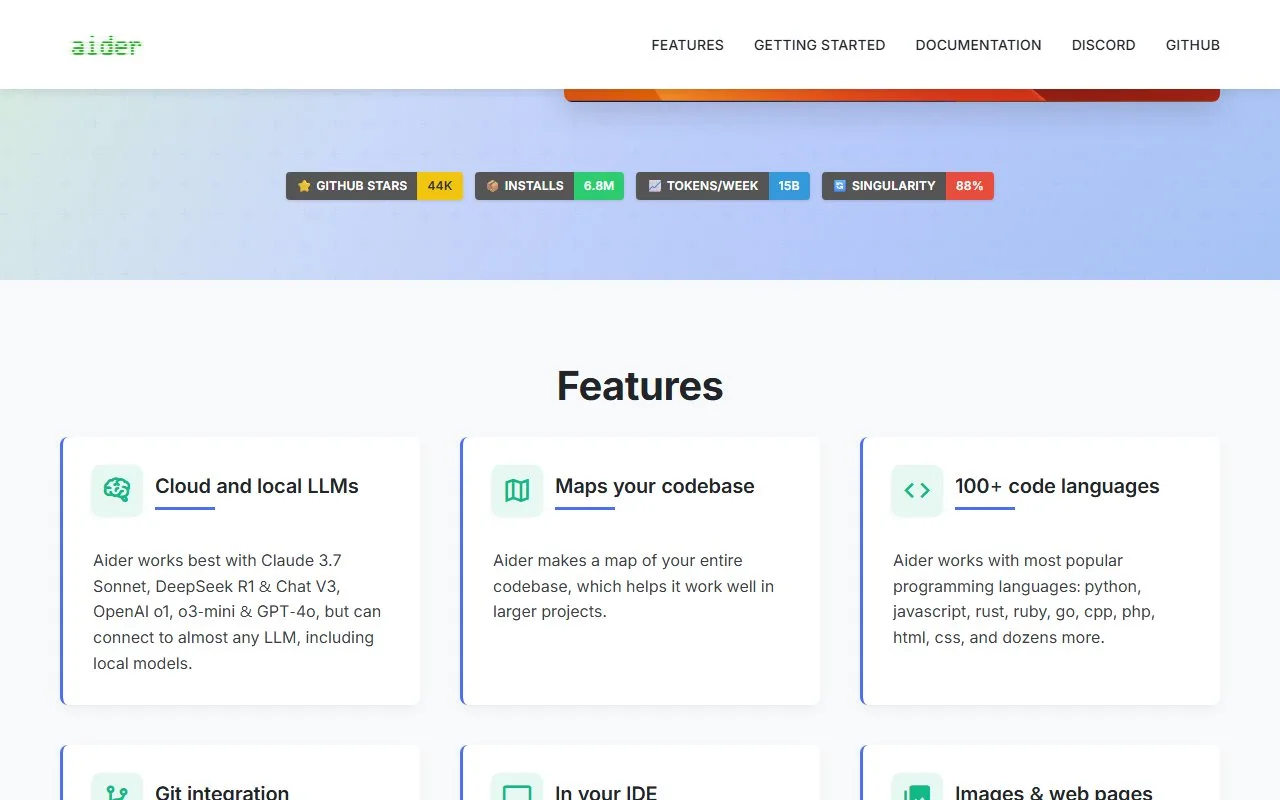
Aider handles Python, JavaScript, TypeScript, Go, Rust, Java, C/C++, Ruby, PHP and most other popular languages. It uses tree-sitter to map edits to existing code structure.
Can Aider work on a whole repository?
Yes. Aider builds a repo map of your codebase so the model can reason across files, useful for multi-file refactors.
Does Aider need a code editor extension?
No. Aider runs in a terminal and works alongside any editor (VS Code, Neovim, JetBrains, etc.) as a side process.
How does Aider handle voice?
Voice is not built in. You can pipe any system voice-to-text tool (Whisper, Mac Dictation) into Aider's input.
Who should use Aider?
Terminal-native developers who want fine-grained control, prefer open source, and already use Git heavily.
Curated by the AI Tool Hub editorial team — last updated 2026-07-21. We publish real-test benchmark numbers only after running our standardized suite.