Cline
Autonomous coding agent for VS Code
- Category
- Coding
- Tested version
- Cline 3.x (2026)
- Free tier
- Yes
- API
- Not available
- Platforms
- VS Code, Cursor, Windsurf, JetBrains (via Roo Code fork)
- Pricing
- Extension itself is free and open-source; you pay only for the model API you choose (Claude Sonnet 4/OpenRouter/DeepSeek/local via Ollama). Typical Sonnet 4 spend: $5–40/mo per developer.
- Official site
- cline.bot
- Updated
- 2026-07-21
- Editorial status
- Editorially reviewed
TL;DR — Key Takeaways
- Cline is a coding AI tool: Autonomous coding agent for VS Code.
- Pricing: Extension itself is free and open-source; you pay only for the model API you choose (Claude Sonnet 4/OpenRouter/DeepSeek/local via Ollama). Typical Sonnet 4 spend: $5–40/mo per developer.
- Best for: Refactor.
- Editorially reviewed by AI Tool Hub (tested version: Cline 3.x (2026)).
What is Cline?
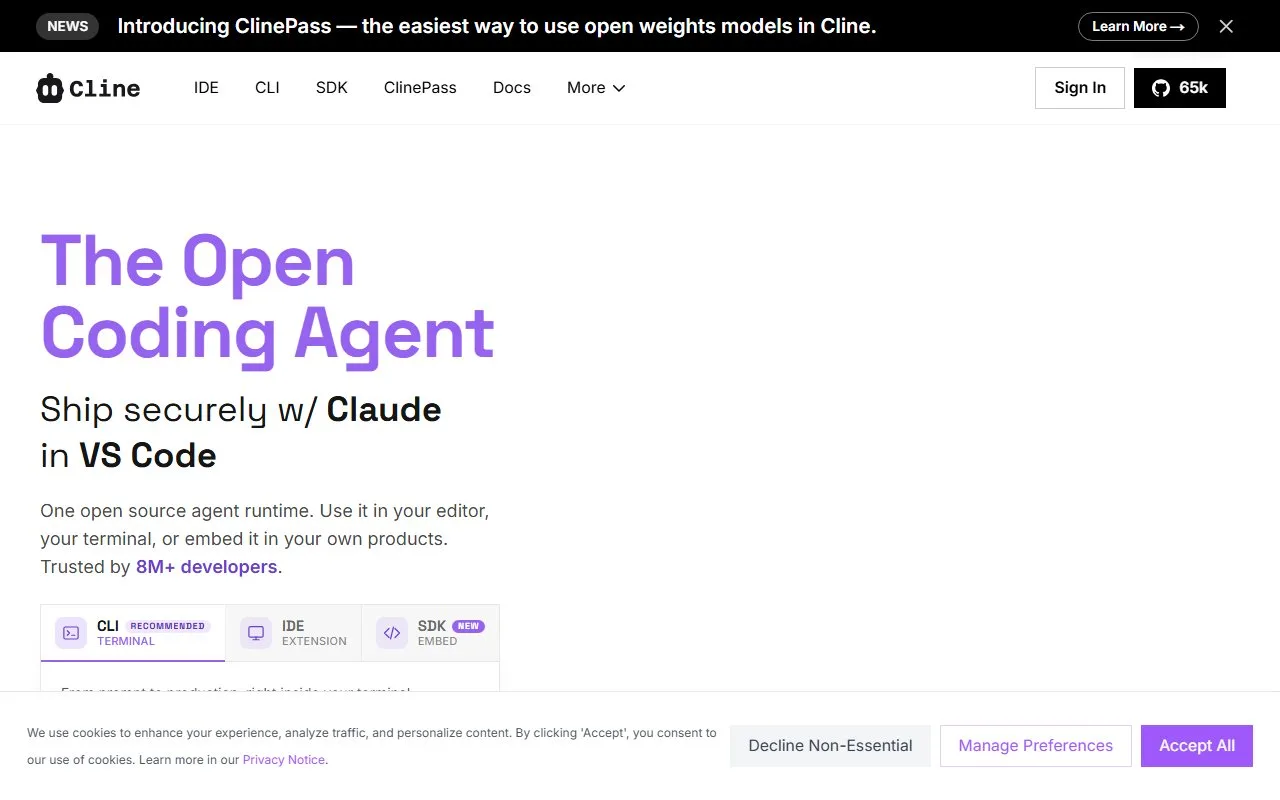
Cline is an autonomous coding agent as a VS Code extension, running multi-step tasks in your terminal - open source.
Our take
Cline. Cline is an autonomous coding agent as a VS Code extension, running multi-step tasks in your terminal - open source.
Screenshots
Real test data
Cline is editorially reviewed (tested version: Cline 3.x (2026)). Our standardized real-test data will be published here once the shared benchmark suite completes.
We do not display fabricated or vendor-supplied benchmark numbers.
Key features
| Feature | What it does |
|---|---|
| Autonomous agent | Refactor |
| Terminal exec | Feature build |
| Multi-model | Debugging |
| Open source | Scaffolding |
Use cases that actually work
- Refactor
- Feature build
- Debugging
- Scaffolding
Best for
- Multi-file refactor
- Feature build
- Debugging
- Scaffolding
Target audience
Pricing
Extension itself is free and open-source; you pay only for the model API you choose (Claude Sonnet 4/OpenRouter/DeepSeek/local via Ollama). Typical Sonnet 4 spend: $5–40/mo per developer.
Pros & Cons
Pros
- Autonomous steps
- Open source
- BYO model
- Terminal exec
Cons
- Needs your model API
- Token-heavy
- Review each step
Example
Our verdict
Pick Cline if: Cline is a fit if you need a reliable coding AI tool with autonomous steps.
Skip Cline if: Cline is not the right fit if you need capabilities outside coding — look at the alternatives below.
Head-to-head comparisons
Alternatives to Cline
GitHub Copilot
AI pair programmer embedded in your IDE
CodingCursor
AI-native code editor built on VS Code
CodingWindsurf
AI IDE by Codeium, main Cursor competitor
CodingAider
CLI AI coding assistant, Git-native
CodingCodeium
Free AI code completion, Copilot alternative
CodingReplit
Cloud AI dev environment, code and deploy in browser
CodingFrequently asked questions
What exactly is Cline?
A free, open-source VS Code extension that turns any LLM into an autonomous coding agent — it reads your workspace, proposes edits, runs terminal commands and pauses for your approval at each risky step.
Does Cline require paying for a model?
Yes for hosted models. You bring your own API key (Anthropic, OpenAI, Google, DeepSeek, OpenRouter). It also supports local models via Ollama or LM Studio for zero-cost inference.
How does Cline compare to Cursor and Windsurf?
Cursor and Windsurf are polished commercial IDE forks with bundled models; Cline is a free extension you drop into your existing editor with a model of your choice. Cline is cheaper and more transparent; Cursor/Windsurf have smoother multi-file editing UX.
Is Cline safe to run against my repo?
Cline pauses before every terminal command and file write and asks for approval. Enable auto-approval only for scoped read-only or test commands. Never point it at production credentials.
What models work best in Cline?
Claude Sonnet 4 remains the default for planning and multi-file edits. DeepSeek-V3 is the cheapest workable option. Local Qwen2.5-Coder or Llama-3.1-70B work for offline use if you have enough VRAM.
Can Cline read my whole codebase?
It selectively reads files based on task context rather than indexing the whole repo. Provide focus paths in the prompt or use its file-tree view to guide attention on large monorepos.
Does Cline work in JetBrains?
Cline officially targets VS Code, Cursor and Windsurf (all VS Code forks). The community Roo Code fork exposes similar capability to JetBrains and Zed via a bridge.
Is the token bill really high?
Autonomous agents re-read files and re-plan each iteration, so token spend is 3–10× a single-shot completion. Use DeepSeek or prompt caching in Anthropic to keep monthly cost under $40 for individual use.
Who is Cline best for?
Developers who want autonomous agents but refuse to switch editors or lock into a bundled model, plus teams that need transparent, auditable open-source tooling for compliance.
How is Cline different from Aider?
Aider is a terminal-first pair-programming tool with tight Git integration. Cline lives inside VS Code and can drive the terminal too but keeps the diff/preview UI. Aider is minimalist; Cline is more agentic and visual.
Curated by the AI Tool Hub editorial team — last updated 2026-07-21. We publish real-test benchmark numbers only after running our standardized suite.